
 ) on the right hand side of the configurator.
| Graphics Card |
Choosing the right graphics card for your new computer depends on several factors, including your specific use case, budget, and the type of performance you're looking for. Select a mid-range to high-end graphics card for gaming, a high-performance card for content creation, and an entry-level card for general tasks and budget-friendly gaming.Ports & TerminologyHDMI 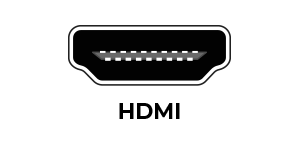 HDMI stands for High-Definition-Multimedia-Interface and has been designed to carry umcompressed digital audio and video signals from the transmitter (i.e. graphics card) to the receiver (i.e. monitor). For any modern High Definition computer, a HDMI interface is a must-have as it will provide an unrivalled quality digital signal to your TV/monitor and because it can also carry the audio signal, it also reduces the need for extra wires. DisplayPort 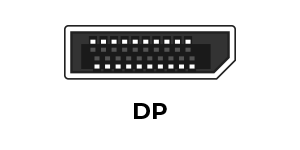 DisplayPort is the first display interface to rely on packetized data transmission, a form of digital communication found in technologies including Ethernet, USB, and PCI Express. It allows both internal and external display connections and, unlike legacy standards where differential pairs are fixed to transmitting a clock signal with each output, the DisplayPort protocol is based on small data packets known as micro packets, which can embed the clock signal within the data stream, allowing higher resolutions with fewer pins. DVI 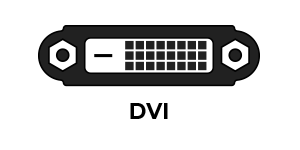 DVI (Digital Visual Interface) is a digital connector for a digital monitor. A graphics card with DVI enables users to choose whether they want to connect a standard VGA monitor (via an adapter), or a digital monitor through the DVI connector. |